IT Security Policy Template Examples: 10 Policies Every Company Needs

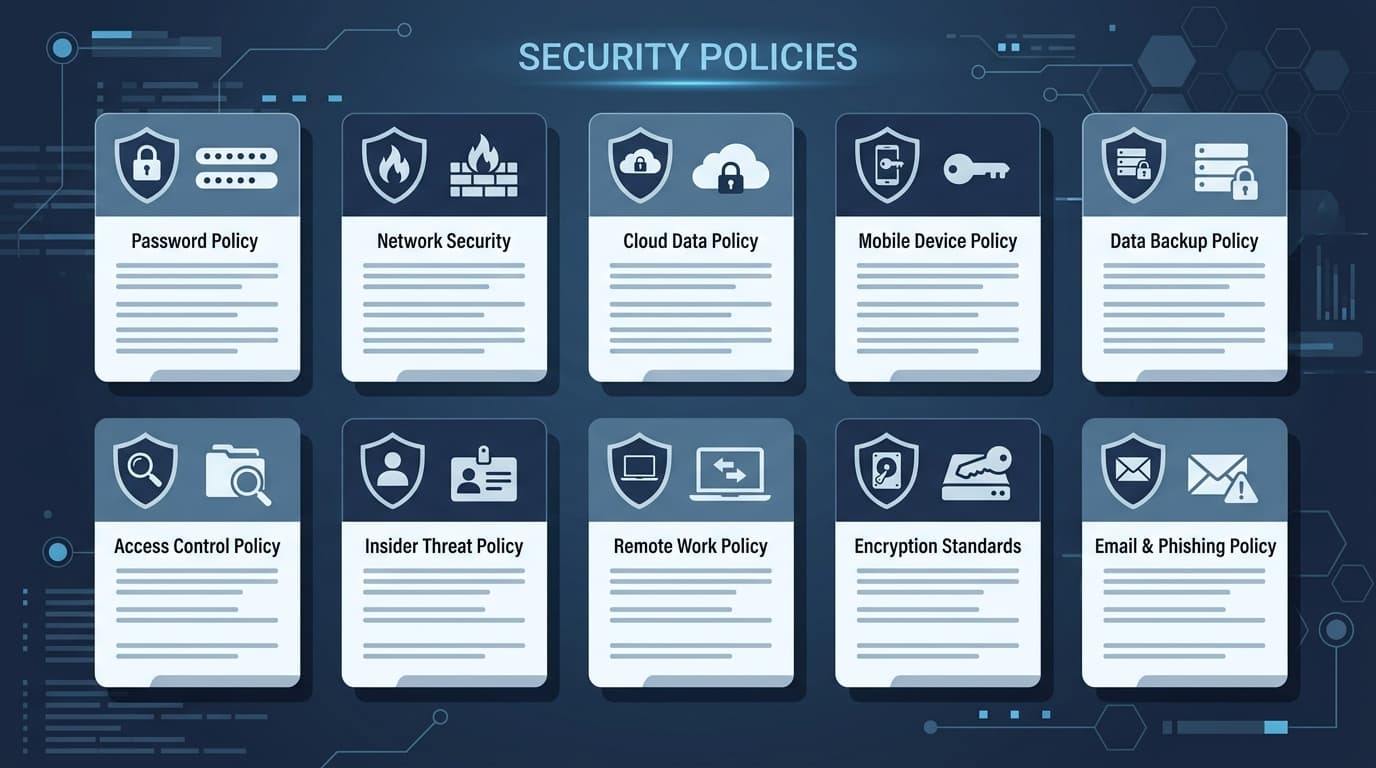
IBM's 2025 Cost of a Data Breach Report found that organizations with formal security policies experience breach costs 32% lower than those without documented policies — a difference of roughly $1.5 million per incident (IBM Security, 2025). Yet many companies still operate with incomplete or outdated security documentation, leaving gaps that attackers and auditors will find.
This guide covers the 10 security policies every company should have in place, what each policy should include, and which ones matter most based on your organization's size. For ready-to-use versions, download our IT security policy templates.
Key Takeaways
- Every organization needs at least 5 core security policies regardless of size: Acceptable Use, Access Control, Incident Response, Data Classification, and Password/Authentication
- Mid-size and enterprise companies should add policies for BYOD, remote access, vendor management, change management, and business continuity
- Each policy should include scope, roles and responsibilities, enforcement mechanisms, and a review schedule
- Policies aren't effective unless employees are trained on them — pair every policy with an awareness program
Why Security Policies Matter More Than Security Tools
According to Verizon's 2025 Data Breach Investigations Report, 68% of breaches involve a human element — phishing, credential misuse, or simple errors (Verizon DBIR, 2025). No firewall or endpoint tool can fix a workforce that doesn't know the rules.
Security policies serve three critical functions:
- Set behavioral expectations — employees can't follow rules that don't exist in writing
- Provide legal protection — documented policies demonstrate due diligence during regulatory audits and legal proceedings
- Enable consistent enforcement — without a policy, disciplinary actions for security violations become arbitrary and legally risky
The goal isn't to create a 200-page binder nobody reads. It's to establish clear, enforceable standards that reduce risk and survive an audit.
The 10 Essential IT Security Policies
1. Acceptable Use Policy (AUP)
An Acceptable Use Policy defines how employees can use company technology — computers, networks, email, internet, and cloud services. It's the foundational policy that everything else builds on.
What to include:
- Permitted and prohibited activities on company devices and networks
- Personal use guidelines (most companies allow "reasonable" personal use)
- Social media conduct expectations
- Monitoring disclosure (what the company tracks and why)
- Consequences for violations
Every company needs this policy from day one. It's referenced in most employment contracts and is the first policy auditors request. Download our information security policy template for a comprehensive starting point.
2. Access Control Policy
An Access Control Policy establishes how user access to systems, applications, and data is granted, reviewed, and revoked. It's the operational backbone of the principle of least privilege.
What to include:
- Role-based access control (RBAC) framework
- Access request and approval workflows
- Privileged account management requirements
- Periodic access review schedules (quarterly for sensitive systems)
- Immediate revocation procedures for terminated employees
- Multi-factor authentication requirements by system sensitivity
Without this policy, access sprawl becomes inevitable. Employees accumulate permissions as they change roles, and nobody removes old access. That's how a marketing coordinator ends up with admin rights to the financial system.
3. Password and Authentication Policy
A Password and Authentication Policy defines credential requirements, multi-factor authentication standards, and how authentication mechanisms are managed across the organization.
What to include:
- Password complexity and length requirements (NIST now recommends 12+ characters, no forced rotation)
- Multi-factor authentication (MFA) requirements by system tier
- Password manager usage guidelines
- Service account and API key management
- Biometric authentication standards if applicable
- Account lockout thresholds and recovery procedures
NIST's updated guidelines (SP 800-63B) reversed decades of advice: stop forcing 90-day password changes and focus on length over complexity. Make sure your policy reflects current best practices, not 2010-era rules.
4. Data Classification and Handling Policy
A Data Classification Policy defines categories for organizational data and prescribes handling, storage, and transmission requirements for each category. If you don't classify your data, you can't protect it proportionally.
What to include:
- Classification levels (typically: Public, Internal, Confidential, Restricted)
- Examples of data types in each category
- Handling requirements per level (encryption, access restrictions, retention)
- Labeling standards for documents and systems
- Data disposal and destruction requirements
- Cross-border data transfer rules if applicable
This policy is a prerequisite for compliance with GDPR, HIPAA, PCI DSS, and virtually every other regulatory framework. For a complete guide to building your security program, see our IT security policy template guide.
5. Incident Response Policy
An Incident Response Policy defines how the organization detects, responds to, contains, and recovers from security incidents. When a breach happens at 2 AM, you don't want people improvising.
What to include:
- Incident severity classification (Critical, High, Medium, Low)
- Escalation procedures and contact chains
- Roles and responsibilities (incident commander, communications lead, technical lead)
- Evidence preservation requirements
- Internal and external communication protocols
- Regulatory notification timelines (GDPR: 72 hours, many US state laws: 30-60 days)
- Post-incident review and lessons learned process
The Ponemon Institute found that organizations with tested incident response plans contain breaches 54 days faster than those without. Time is money during a breach — literally $164 per compromised record per day, on average.
6. Remote Access and Work-From-Home Policy
A Remote Access Policy defines how employees securely connect to company systems from outside the office. With hybrid work now standard, this is no longer optional.
What to include:
- VPN requirements and approved connection methods
- Home network security requirements (WPA3, no public Wi-Fi for sensitive work)
- Approved devices and operating system requirements
- Physical security of devices and documents at home
- Screen lock and encryption requirements
- Video conferencing security guidelines
- Public space usage restrictions
This policy should work alongside your Access Control Policy — remote access doesn't mean broader access, it means the same access through a secured channel.
7. BYOD (Bring Your Own Device) Policy
A BYOD Policy governs the use of personal devices for work purposes. It balances employee flexibility with organizational security requirements.
What to include:
- Approved device types, operating systems, and minimum versions
- Required security configurations (encryption, PIN/biometric lock, remote wipe capability)
- Mobile Device Management (MDM) enrollment requirements
- Company's right to wipe corporate data from personal devices
- Separation of personal and corporate data
- Support boundaries (what IT will and won't help with)
- Exit procedures when an employee leaves
The tricky part is legal: you need clear consent for MDM enrollment and remote wipe capabilities. Have legal review this policy before rollout.
8. Vendor and Third-Party Risk Management Policy
A Vendor Risk Management Policy defines how the organization evaluates, onboards, monitors, and offboards third-party vendors who access company systems or data.
What to include:
- Vendor risk assessment criteria and scoring methodology
- Security questionnaire requirements by vendor tier
- Contractual security requirements (encryption, breach notification, audit rights)
- Ongoing monitoring and review schedules
- Data handling and return/destruction requirements at contract end
- Sub-processor approval requirements
- Incident notification expectations
According to SecurityScorecard, 29% of breaches originate from a third-party vector. Your security is only as strong as your weakest vendor. For frameworks that address vendor risk, see our SOC 2 compliance guide.
9. Change Management Policy
A Change Management Policy defines how modifications to IT systems, applications, and infrastructure are requested, approved, tested, and deployed. It prevents well-intentioned changes from causing outages or security gaps.
What to include:
- Change classification (standard, normal, emergency)
- Change Advisory Board (CAB) composition and meeting cadence
- Risk assessment and testing requirements per change type
- Approval workflows and required sign-offs
- Rollback procedures and success criteria
- Post-implementation review process
- Emergency change fast-track procedures
This policy intersects with security because uncontrolled changes are a common source of vulnerabilities — a developer opens a port for testing and never closes it, a config change disables logging, a patch breaks authentication.
10. Business Continuity and Disaster Recovery Policy
A Business Continuity and Disaster Recovery (BC/DR) Policy defines how the organization maintains essential operations during a disruption and recovers IT systems afterward.
What to include:
- Business Impact Analysis (BIA) requirements
- Recovery Time Objectives (RTO) and Recovery Point Objectives (RPO) by system
- Backup schedules, retention periods, and testing requirements
- Alternate site and failover procedures
- Communication plans during outages
- Annual testing and drill requirements
- Roles and responsibilities during an incident
Don't confuse BC/DR with Incident Response — IR handles security events, BC/DR handles operational continuity. A ransomware attack triggers both: IR investigates the breach while BC/DR restores operations. Check our complete IT policy templates guide for more on building a comprehensive policy framework.
Which Policies Does Your Organization Need?
Not every company needs all 10 policies from day one. Here's what matters most based on your size and maturity:
| Policy | Small (<50 employees) | Mid-size (50-500) | Enterprise (500+) |
|---|---|---|---|
| Acceptable Use | ✅ Required | ✅ Required | ✅ Required |
| Access Control | ✅ Required | ✅ Required | ✅ Required |
| Password & Authentication | ✅ Required | ✅ Required | ✅ Required |
| Data Classification | ✅ Required | ✅ Required | ✅ Required |
| Incident Response | ✅ Required | ✅ Required | ✅ Required |
| Remote Access / WFH | ⚡ If remote staff | ✅ Required | ✅ Required |
| BYOD | ⚡ If allowing BYOD | ✅ Required | ✅ Required |
| Vendor Risk Management | ⚡ If using SaaS | ✅ Required | ✅ Required |
| Change Management | ❌ Usually informal | ✅ Required | ✅ Required |
| BC/DR | ⚡ Basic version | ✅ Required | ✅ Required |
Small companies should start with the five core policies. They can be shorter and less formal, but they need to exist. A 2-page Acceptable Use Policy is infinitely better than no policy at all.
Mid-size companies need all 10, especially if pursuing SOC 2, ISO 27001, or handling regulated data. This is also when you need a formal review cycle — annually at minimum.
Enterprise organizations need all 10 plus supplementary policies (encryption standards, mobile security, cloud security, data retention, etc.). They also need a governance framework tying everything together.
How to Write Effective Security Policies
The biggest mistake isn't missing a policy — it's writing policies nobody follows. Here's how to create policies that actually work:
Keep them readable. If a policy requires a law degree to understand, it'll be ignored. Write at a 10th-grade reading level. Use bullet points, tables, and concrete examples instead of legal prose.
Make them specific. "Employees should use strong passwords" is useless. "Passwords must be at least 14 characters and managed through the company-approved password manager" is enforceable.
Include enforcement. Every policy needs a "Compliance and Enforcement" section that spells out consequences. Without teeth, a policy is just a suggestion.
Assign ownership. Each policy needs a named owner (role, not person) responsible for annual review and updates. Orphaned policies become stale policies.
Train on them. Gartner research shows that organizations with security awareness training experience 70% fewer security incidents. Policies without training are shelf decorations.
For a complete policy library you can customize, download our IT policy templates collection.
Implementation Roadmap
Rolling out 10 policies at once will overwhelm your team. Here's a phased approach:
Phase 1 (Month 1-2): Acceptable Use, Password & Authentication, Data Classification. These are the foundational policies that set expectations for every employee.
Phase 2 (Month 3-4): Access Control, Incident Response. These require more technical input and coordination with IT operations.
Phase 3 (Month 5-6): Remote Access, BYOD, Vendor Risk Management. These often require new tools (VPN, MDM, vendor assessment platform).
Phase 4 (Month 7-8): Change Management, BC/DR. These are the most complex and require the most cross-functional input.
After all policies are in place, establish an annual review cycle and tie policy acknowledgment to the onboarding process.
Frequently Asked Questions
How often should security policies be reviewed?
At minimum, annually. Best practice is to review policies whenever there's a significant change — new regulations, major security incidents, organizational restructuring, or technology changes. Many compliance frameworks (SOC 2, ISO 27001) require documented evidence of regular policy reviews. Set calendar reminders for each policy's review date and assign ownership to a specific role (CISO, IT Director, or Security Manager).
Do small businesses really need formal security policies?
Yes. Small businesses are disproportionately targeted — 43% of cyberattacks target small businesses according to Verizon's DBIR, and 60% of small companies that suffer a cyberattack go out of business within six months. Your policies can be shorter and simpler, but they need to exist in writing. A 2-page Acceptable Use Policy and a 1-page Incident Response Plan are enough to start. They also protect you legally if an employee causes a breach.
What's the difference between a policy, a standard, and a procedure?
A policy states what the organization requires (e.g., "All access to production systems requires multi-factor authentication"). A standard specifies the technical details (e.g., "MFA must use TOTP or hardware tokens; SMS-based MFA isn't permitted"). A procedure provides step-by-step instructions (e.g., "To enroll in MFA: 1. Log into the IdP portal, 2. Click Security Settings..."). Most organizations need all three layers, but start with policies.
How do I get employee buy-in for security policies?
Three strategies work consistently. First, explain the "why" — people follow rules they understand. Second, make compliance easy — if the secure way is harder than the insecure way, people will find workarounds. Third, involve department heads in the drafting process so policies reflect operational reality, not theoretical ideals. Annual security awareness training reinforces all three.
Which compliance frameworks require security policies?
Virtually all of them. SOC 2 requires policies across all five Trust Services Criteria. ISO 27001 requires an information security policy and supporting policies for 93 controls. PCI DSS requires 12 specific policy areas. HIPAA requires administrative, physical, and technical safeguard policies. GDPR requires documented data protection policies. Even if you're not pursuing certification, these frameworks are excellent checklists for what your policies should cover.
Can I use a template or do policies need to be custom?
Templates are an excellent starting point — they ensure you don't miss critical sections and follow industry-standard structures. But every template needs customization. Your Acceptable Use Policy should reference your specific tools, your Access Control Policy should reflect your actual systems, and your Incident Response Plan should list your real contact chains. Start with a policy template, then customize 20-30% to reflect your organization's specific environment, risk profile, and compliance requirements.