IT Security Policy Framework: How to Build and Implement from Scratch

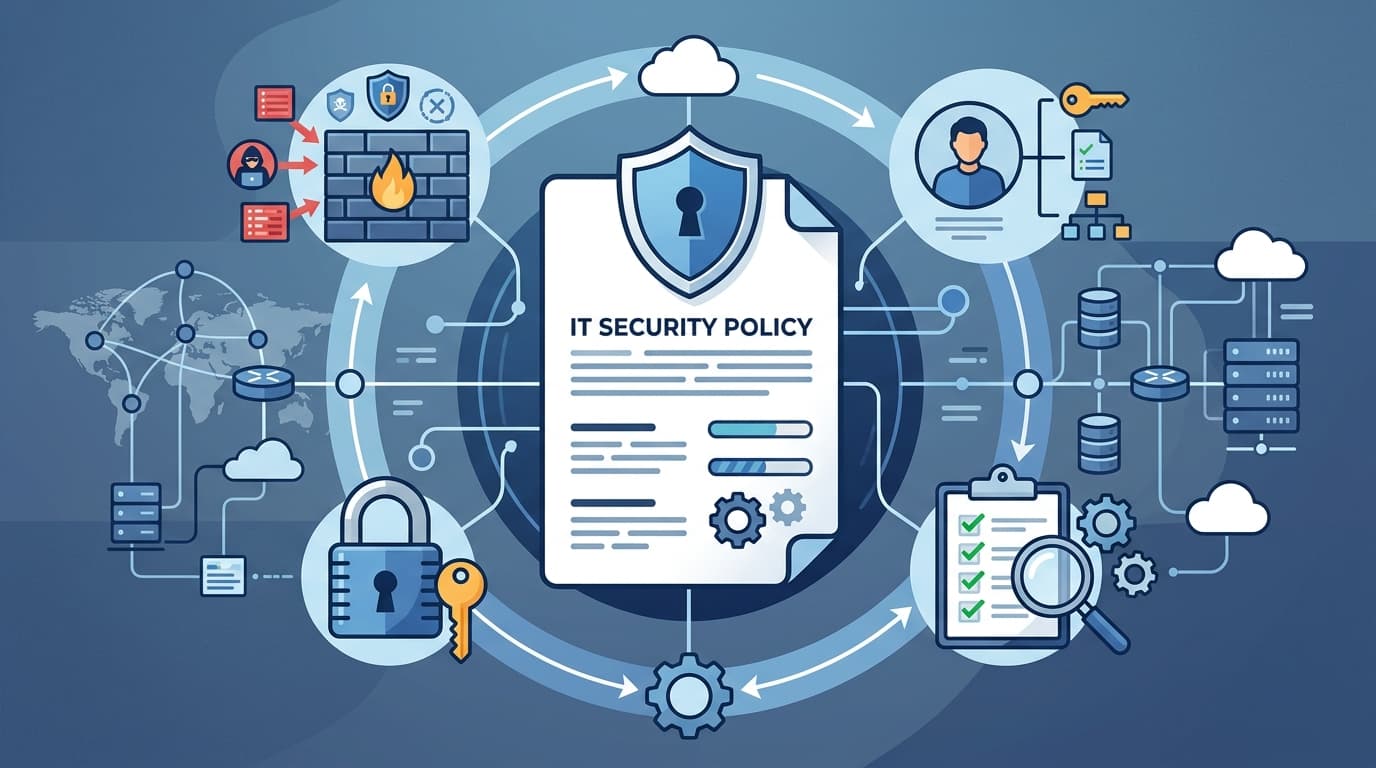
The average cost of a data breach reached $4.88 million in 2024, with organizations that had fully deployed security policies and incident response plans saving $2.22 million compared to those without (IBM, 2024). An IT security policy framework isn't bureaucratic overhead — it's a $2 million insurance policy written in plain English.
Yet most mid-market companies operate with a handful of informal guidelines instead of a structured policy framework. This guide walks you through building a complete IT security policy framework from scratch, aligned with NIST and ISO 27001, that you can implement in 90 days.
Key Takeaways
- A complete security framework needs 10 foundational policies covering access control, data protection, incident response, and acceptable use
- Align your framework to either NIST CSF or ISO 27001 from the start — retrofitting is 3x more expensive than building aligned
- Implementation takes 90 days: 30 days for drafting, 30 for review/approval, 30 for rollout and training
- Start with our free IT policy templates (74 templates covering all major policy areas)
What Is an IT Security Policy Framework?
A security policy framework is a structured set of documents that define how your organization protects its information assets, systems, and people. It's not a single document — it's a hierarchy:
Level 1 — Policies (the "what" and "why") High-level statements of intent approved by leadership. Example: "All company data must be encrypted at rest and in transit."
Level 2 — Standards (the "how much") Specific requirements that implement policies. Example: "Encryption must use AES-256 for data at rest and TLS 1.3 for data in transit."
Level 3 — Procedures (the "how") Step-by-step instructions for executing standards. Example: "To enable BitLocker encryption on Windows devices, follow these 8 steps..."
Level 4 — Guidelines (the "recommendations") Best practices that aren't mandatory. Example: "We recommend using a password manager for storing complex passwords."
Most companies make the mistake of writing procedures without policies — they document how to configure a firewall but never state why firewalls are required or what they should protect. Start at Level 1 and work down.
For a comprehensive set of Level 1 policies, see our IT security policy template and the complete IT policy framework implementation guide.
The 10 Essential Security Policies
Every IT security framework needs these 10 policies at minimum. You can add more based on your industry and regulatory requirements, but these cover the fundamentals.
1. Acceptable Use Policy (AUP)
Defines what employees can and can't do with company IT resources — computers, network, email, internet access. This is your most-read policy because it affects every employee daily.
Must include: Personal use limits, prohibited activities, monitoring disclosure, consequences for violations.
Template: Acceptable Use Policy Template
2. Access Control Policy
Defines who can access what systems and data, how access is granted, and how it's revoked.
Must include: Least privilege principle, role-based access control (RBAC), access review frequency (quarterly minimum), privileged account management.
Template: Access Control Policy Template
3. Data Security and Classification Policy
Categorizes data by sensitivity level and defines protection requirements for each level.
Must include: Classification levels (Public, Internal, Confidential, Restricted), handling requirements per level, labeling standards, data retention and disposal.
Template: Data Security Policy Template
4. Password and Authentication Policy
Sets standards for authentication across all systems.
Must include: Password complexity requirements, MFA requirements, password manager recommendations, service account management, SSO strategy.
Template: Password Management Policy Template
5. Incident Response Policy
Defines how the organization detects, responds to, and recovers from security incidents.
Must include: Incident classification matrix, escalation procedures, communication protocols, evidence preservation, post-incident review requirements.
Template: Incident Response Plan Guide
6. Network Security Policy
Defines how the network is segmented, monitored, and protected.
Must include: Firewall rules, network segmentation requirements, VPN policy, wireless security, intrusion detection/prevention.
Template: Network Security Policy Template
7. Remote Work Security Policy
Defines security requirements for employees working outside the office.
Must include: VPN requirements, approved devices, home network security, physical security of devices, public WiFi restrictions.
Template: Remote Work Security Policy Template
8. Change Management Policy
Controls how changes to IT systems are proposed, approved, tested, and deployed.
Must include: Change request process, CAB (Change Advisory Board) structure, emergency change procedures, rollback requirements.
Template: Change Management Template Guide
9. Vendor and Third-Party Security Policy
Defines security requirements for vendors who access your systems or data.
Must include: Vendor risk assessment process, security questionnaire, contractual security requirements, right to audit, data handling agreements.
Template: Vendor Risk Assessment Guide
10. Security Awareness Training Policy
Requires security training for all employees and defines the training program.
Must include: Training frequency (annual minimum, quarterly recommended), topics covered, phishing simulation program, new hire training requirements, training completion tracking.
Template: Security Awareness Training Guide
NIST vs ISO 27001: Which Framework to Align With?
Both frameworks are widely recognized, but they serve different purposes. Choose one and build your policies around it.
| Factor | NIST CSF | ISO 27001 |
|---|---|---|
| Cost | Free | Certification costs $20K-$100K |
| Structure | 5 functions (Identify, Protect, Detect, Respond, Recover) | ISMS with 93 Annex A controls |
| Certification | No formal certification | Third-party audit and certification |
| Best for | US companies, government contractors, voluntary adoption | Global companies, customer-required certification |
| Flexibility | Highly flexible, adopt at your own pace | Structured, must implement full ISMS |
Our recommendation for mid-market companies: Start with NIST CSF for the framework structure (it's free and flexible), but map your controls to ISO 27001 Annex A categories. This way, if a customer later requires ISO 27001 certification, you're already 70% of the way there.
For a detailed comparison, see our NIST vs ISO 27001 guide.
90-Day Implementation Timeline
Don't try to boil the ocean. Here's a practical timeline for implementing your first security policy framework:
Days 1-30: Draft
- Week 1: Complete risk assessment to identify top threats
- Week 2: Draft policies #1-5 (AUP, Access Control, Data Security, Password, Incident Response)
- Week 3: Draft policies #6-10 (Network, Remote Work, Change Management, Vendor, Training)
- Week 4: Internal review with IT team — fix technical inaccuracies
Days 31-60: Review and Approve
- Week 5: Legal review of all 10 policies
- Week 6: Executive review and feedback incorporation
- Week 7: Final edits and formatting
- Week 8: Executive sign-off on all policies
Days 61-90: Rollout and Train
- Week 9: Distribute policies to all employees via handbook update
- Week 10: Conduct security awareness training covering key policies
- Week 11: Collect signed acknowledgments from all employees
- Week 12: Begin enforcement — first violations get warnings, not termination
After 90 days, you'll have a working framework. It won't be perfect — no framework is on Day 1. The goal is to get policies documented, communicated, and enforced. Refinement happens over the next 12 months through incident learnings and audit findings.
Download all 10 policy templates from our IT policy templates library — 74 free templates covering every major policy area, aligned with NIST and ISO 27001.
How to Enforce Security Policies Without Becoming the "No" Department
Policy enforcement is where most frameworks fail. Policies that exist but aren't enforced are worse than no policies — they create a false sense of security and undermine IT's credibility.
Technical enforcement (automate what you can):
- MFA enforcement via SSO provider (Okta, Azure AD)
- Password complexity via Group Policy or identity provider
- Endpoint encryption via MDM (Intune, Jamf)
- Access reviews via automated quarterly reports
- Phishing simulations via KnowBe4 or Proofpoint
Cultural enforcement (make it easy to comply):
- Make the secure way the easy way — SSO, password managers, automated patching
- Celebrate compliance instead of just punishing violations
- Give people reasons, not just rules — "we encrypt because a breach costs $4.88M"
- Include security training in onboarding, not as an afterthought
Progressive discipline for violations:
- First violation: verbal coaching and retraining
- Second violation: written warning
- Third violation: formal disciplinary action
- Egregious violations (intentional data theft, sharing credentials): immediate termination
For ongoing compliance monitoring, use our security compliance templates and internal audit checklist.
Frequently Asked Questions
How many security policies does a company need?
Start with the 10 foundational policies listed above. Most mid-market companies end up with 15-25 policies as they add industry-specific requirements (HIPAA for healthcare, PCI DSS for payment processing, GDPR for EU data). Don't try to write all 25 at once — implement the 10 essentials first, then add policies as your risk assessment identifies gaps. Each policy should be 3-8 pages. If it's longer, you're probably mixing policy with procedure.
How often should security policies be reviewed?
Review all policies annually at minimum, with a full revision cycle every 2-3 years. Additionally, review specific policies after any security incident, major infrastructure change, new regulation, or organizational restructuring. The review should verify that the policy still reflects current technology, threats, and business processes. Assign a policy owner for each document who's accountable for keeping it current.
Do small companies need a security policy framework?
Yes. The cost of a data breach doesn't scale linearly with company size — a breach at a 50-person company can still cost $500,000-$1,000,000 in response costs, legal fees, and lost business. Start with 5 policies (AUP, Password, Data Security, Incident Response, and Remote Work) and expand as you grow. A basic framework takes 2-3 weeks to implement, not months. Our free IT policy templates make it even faster.
What happens if employees don't follow security policies?
Without enforcement, policies are just suggestions. Implement progressive discipline (coaching → warning → action) and make enforcement consistent across all levels — including executives. The most effective approach combines technical controls (you can't use a weak password because the system won't allow it) with cultural reinforcement (security training, phishing simulations, recognition programs). Never surprise-fire someone for a first policy violation unless it's egregious.
How do security policies relate to compliance certifications?
Security policies are the documentation layer that compliance auditors evaluate. For SOC 2, auditors check that you have policies, that employees are trained on them, and that you enforce them consistently. For ISO 27001, your ISMS must include documented policies mapped to Annex A controls. For HIPAA, you need specific policies around PHI handling, access control, and breach notification. Well-written policies make audit preparation 3-5x faster because the documentation already exists.
Can I use templates or do I need custom policies?
Templates are the right starting point — they ensure you don't miss critical sections and follow industry-standard structures. Customize them for your specific environment: replace "[Company Name]" with your actual company, adjust technology references to match your stack, and modify thresholds to match your risk tolerance. Never use a template without customization — auditors and courts can tell when a policy is generic and unadopted. Our IT policy templates include customization guidance for each policy.