CapEx vs OpEx: A Complete Guide for IT and Finance Managers

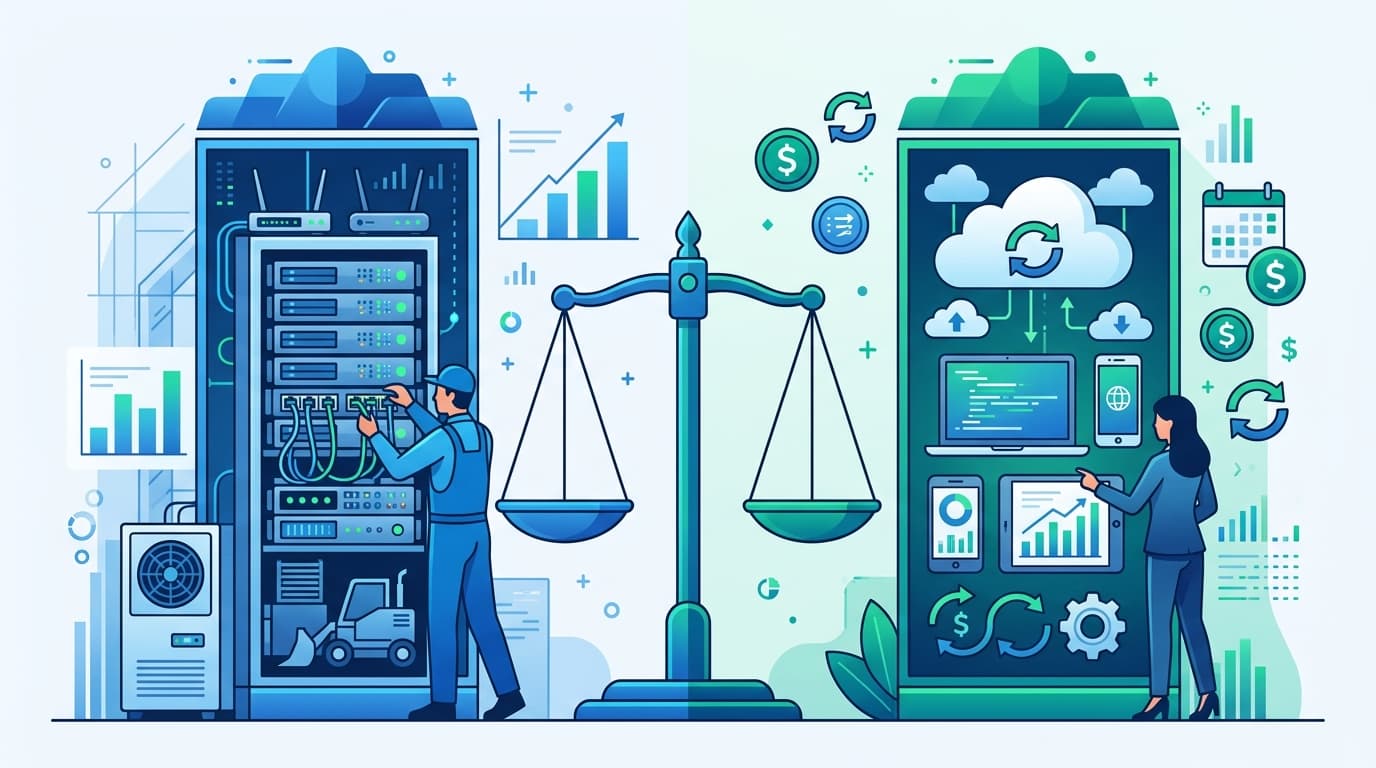
The shift from CapEx to OpEx is the defining financial trend in IT. Worldwide IT spending will hit $6.15 trillion in 2026, with software spending growing 14.7% and cloud infrastructure up 31.7% — nearly all of it OpEx (Gartner, 2026). Understanding when to capitalize and when to expense isn't just an accounting question — it affects your cash flow, tax treatment, budget approval process, and how the CFO views your department.
This guide breaks down CapEx vs OpEx in practical terms, with specific examples for IT purchases, and explains how cloud migration is reshaping the balance.
Key Takeaways
- CapEx = assets you buy and depreciate over years (servers, network equipment). OpEx = recurring costs expensed immediately (SaaS, cloud, support contracts)
- Cloud migration shifts IT budgets from CapEx to OpEx — most CFOs prefer this because it increases financial flexibility
- The tax treatment differs: CapEx is depreciated over 3-7 years; OpEx is deducted in the year incurred
- For a budget that tracks both properly, use our CapEx planning template
What's the Difference Between CapEx and OpEx?
Capital Expenditure (CapEx) is money spent on assets that provide value for more than one year. You buy the asset upfront, then depreciate it on your balance sheet over its useful life. The cash leaves your account immediately, but the expense hits your income statement gradually.
Operating Expenditure (OpEx) is money spent on day-to-day operations. You pay as you go, and the full cost hits your income statement in the period it's incurred. No asset appears on the balance sheet.
The simplest test: if it wears out, it's CapEx. If it gets used up, it's OpEx.
| Factor | CapEx | OpEx |
|---|---|---|
| Definition | Long-term asset purchase | Recurring operational cost |
| Balance sheet | Recorded as an asset | Not recorded |
| Income statement | Depreciated over useful life | Expensed immediately |
| Cash impact | Large upfront payment | Smaller recurring payments |
| Tax treatment | Depreciated over 3-7 years | Deducted in current year |
| Budget approval | Often requires board/exec approval | Department-level approval |
| Flexibility | Locked in once purchased | Can scale up or down |
| Examples | Servers, buildings, vehicles | SaaS subscriptions, rent, utilities |
CapEx vs OpEx for IT: Common Examples
Here's where IT purchases fall — some are obvious, others depend on the purchase structure:
Clearly CapEx
- Physical servers purchased and installed in your data center (depreciate over 5 years)
- Network equipment — switches, routers, firewalls (depreciate over 5-7 years)
- Laptops and desktops purchased for employees (depreciate over 3-5 years)
- Perpetual software licenses — one-time purchase, no recurring fee (depreciate over 3-5 years)
- Data center build-out — construction, power, cooling infrastructure
Clearly OpEx
- SaaS subscriptions — Microsoft 365, Salesforce, Slack ($X/user/month)
- Cloud computing — AWS, Azure, GCP pay-as-you-go
- Managed services — outsourced help desk, monitoring, SOC
- Internet and telecom — monthly service fees
- Maintenance contracts — annual support agreements (VMware, Cisco SmartNet)
- Training and certifications — employee development costs
- Consulting fees — project-based external labor
It Depends
- Cloud reserved instances — 1-3 year commitments paid upfront can be CapEx or prepaid OpEx depending on accounting treatment
- Leased equipment — depends on lease type (finance lease = CapEx under ASC 842; operating lease = OpEx)
- Custom software development — internal development labor can be capitalized under ASC 350-40 if it meets specific criteria
- Major upgrades — extending the useful life of existing equipment = CapEx; routine maintenance = OpEx
When in doubt, ask your controller. Incorrect classification can trigger audit findings and tax issues.
Why CFOs Prefer OpEx (and Why It Matters for Your Budget)
Three-quarters of CFOs globally expect technology budgets to rise in 2026 (CIO Dive, 2026). But how that budget is structured matters as much as the total.
Why CFOs prefer OpEx:
- Predictability — $10K/month is easier to forecast than a $500K server purchase that might slip to next quarter
- Flexibility — OpEx can be scaled up or down. CapEx is sunk cost once purchased
- Cash flow — OpEx spreads payments over time. CapEx requires large upfront cash outlay
- No stranded assets — a server you bought for $100K that's obsolete in 3 years is a depreciation headache. A cloud instance you cancel is just a lower monthly bill
- Simpler budgeting — OpEx doesn't require depreciation schedules, asset tracking, or disposal planning
When CapEx still makes sense:
- Lower total cost over time — owning a $100K server for 5 years ($20K/year) vs. paying $3K/month for equivalent cloud ($36K/year = $180K over 5 years)
- Tax strategy — bonus depreciation or Section 179 allows immediate expensing of CapEx, which can be advantageous in high-revenue years
- Data sovereignty — some industries require on-premise data storage for regulatory compliance
- Stable workloads — if your compute needs are predictable and constant, buying is cheaper than renting
Our finding: The "CapEx is always cheaper long-term" argument breaks down when you factor in staff costs. That $100K server needs an admin to maintain it ($120K/year salary), a rack to sit in ($2K/month colo), and will be obsolete before it's fully depreciated. The cloud equivalent at $3K/month includes administration, redundancy, and automatic hardware refresh.
How Cloud Migration Changes the CapEx/OpEx Balance
The biggest shift in IT finance over the past decade is the migration from CapEx-heavy on-premise infrastructure to OpEx-heavy cloud services. Here's how it plays out:
Before cloud (CapEx-heavy budget):
| Category | Annual Cost | Type |
|---|---|---|
| Server hardware | $200,000 | CapEx |
| Network equipment | $80,000 | CapEx |
| Storage arrays | $120,000 | CapEx |
| Data center lease | $48,000 | OpEx |
| Software licenses (perpetual) | $150,000 | CapEx |
| IT staff (6 people) | $720,000 | OpEx |
| Total | $1,318,000 | 42% CapEx / 58% OpEx |
After cloud migration (OpEx-heavy budget):
| Category | Annual Cost | Type |
|---|---|---|
| Cloud compute (AWS/Azure) | $180,000 | OpEx |
| Cloud storage | $36,000 | OpEx |
| SaaS subscriptions | $210,000 | OpEx |
| Laptops (refresh cycle) | $60,000 | CapEx |
| Network equipment (office) | $20,000 | CapEx |
| IT staff (4 people) | $480,000 | OpEx |
| Total | $986,000 | 8% CapEx / 92% OpEx |
The cloud version is $332K cheaper annually AND shifts the budget from 42% CapEx to 8% CapEx. The CFO sees lower total spend, more predictable costs, and fewer assets to track.
For a detailed budgeting template that separates CapEx and OpEx, see our CapEx planning template and IT budget planning guide.
How to Present the CapEx/OpEx Split to Your CFO
When presenting your IT budget, lead with the OpEx/CapEx ratio and explain the strategy:
Slide 1: The Ratio "Our IT budget is 85% OpEx / 15% CapEx, reflecting our cloud-first strategy. This gives us maximum flexibility to scale spending with business needs."
Slide 2: CapEx Detail "Our CapEx is limited to employee laptops ($60K), office network equipment ($20K), and a one-time security tool purchase ($35K). All items depreciate over 3-5 years."
Slide 3: OpEx by Category "Our OpEx includes cloud infrastructure ($180K), SaaS subscriptions ($210K), managed services ($96K), and support contracts ($48K). All can be adjusted quarterly based on business conditions."
What your CFO wants to hear: "We can reduce IT spend by 15% in 30 days if needed by scaling down cloud resources and pausing non-essential subscriptions." That's the OpEx advantage — you can't uninstall a server you already bought.
Frequently Asked Questions
Is cloud computing CapEx or OpEx?
Cloud computing (AWS, Azure, GCP) on a pay-as-you-go model is OpEx — you're paying for consumption, not purchasing an asset. The exception is reserved instances paid upfront for 1-3 years, which can sometimes be treated as a prepaid asset and amortized over the reservation period. Your accounting team should make the final classification based on ASC 350 and your company's capitalization threshold.
Can I convert CapEx to OpEx?
Yes — this is essentially what cloud migration does. Instead of buying a $100K server (CapEx), you rent equivalent compute from AWS for $2,500/month (OpEx). Similarly, instead of buying a perpetual software license for $50K (CapEx), you switch to a SaaS subscription at $1,500/month (OpEx). The total cost may be higher or lower depending on usage patterns, but the financial structure changes fundamentally.
What's the capitalization threshold?
Most companies set a dollar threshold below which purchases are expensed regardless of useful life. Common thresholds: $1,000-$5,000. A $200 keyboard is OpEx even though it lasts 3 years because it's below the threshold. A $2,000 laptop might be CapEx or OpEx depending on your company's policy. Check with your finance team for your specific threshold.
How does CapEx affect EBITDA?
CapEx doesn't affect EBITDA (Earnings Before Interest, Taxes, Depreciation, and Amortization) because depreciation is excluded. OpEx reduces EBITDA directly. This is why some companies prefer CapEx — it makes EBITDA look higher, which matters for companies valued on EBITDA multiples (common in M&A). Your CFO may have a preference based on how the company is valued or how loan covenants are structured.
Should startups prefer CapEx or OpEx?
Startups should overwhelmingly prefer OpEx. Cash is scarce, and CapEx ties up large amounts in assets that may not match future needs. Cloud (OpEx) lets startups scale infrastructure with demand — pay nothing when you have no customers, scale to millions when you do. The only CapEx most startups need is employee laptops. VCs also prefer OpEx because it doesn't create assets that complicate the cap table or liquidation preferences.
How do I track CapEx and OpEx in my IT budget?
Separate them into distinct sections in your budget spreadsheet with clear labels. For each line item, tag it as CapEx or OpEx. CapEx items need additional fields: purchase date, useful life, depreciation method (straight-line is most common), and annual depreciation amount. Our IT budget template includes built-in CapEx/OpEx tracking with depreciation schedules, and our CapEx planning template provides detailed project-level tracking.